3D Shorts Mockups for Summer and Gym Drops
ThreadCam has a 3D pair of drawstring shorts for brands that sell gym, summer or loungewear bottoms. Place a small logo, check it from every side, and export a photo or video without a sample. Shorts are part of ThreadCam Pro.
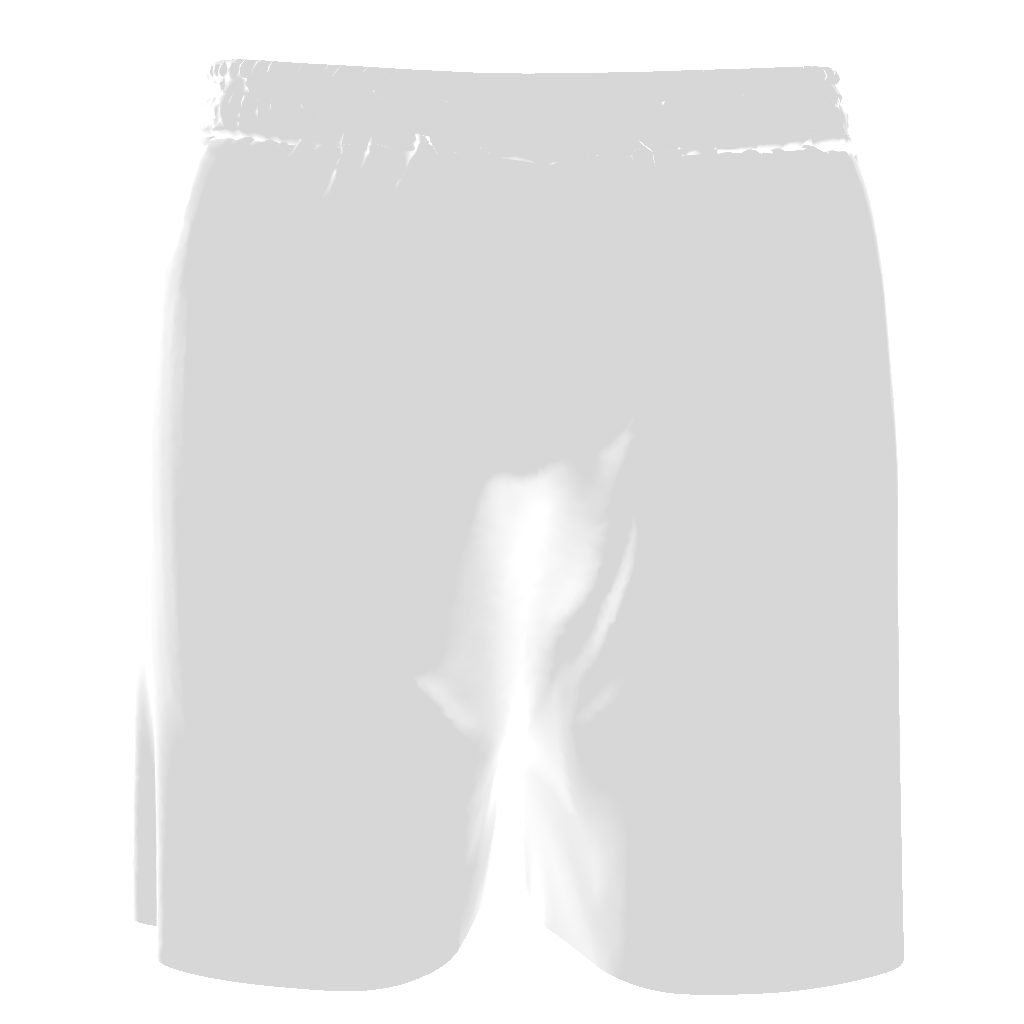
What reads well on shorts
The leg panel on shorts is small, so short wordmarks and simple icons work best. Scale the design down further than you would on a tee, and turn it slightly if you want it to follow the angle of the leg.
For a summer drop, the Sunset and Outdoor backgrounds give warm, natural light; for gym wear, a dark solid background with the Studio scene on the rest of the range keeps the photos consistent.
How to make a shorts mockup
- Open the Bottoms category and select Shorts.
- Choose a fabric colour from the swatches.
- Import your logo, or create one in AI Design Studio.
- Place, scale and rotate it on the placement canvas.
- Export a photo, or record a short camera move such as Top-Down Spin or Simple Orbit.
Questions
Can I use my own fabric pattern on the shorts?
ThreadCam sets fabric colour from preset swatches. You can place your own images as graphics, but there is no all-over fabric pattern tool.
Related
Compare this with the other garments on 3D clothing mockups by garment, browse all ThreadCam mockup features, or get help with the app on the ThreadCam support page.
Features described here are from the iOS app. ThreadCam is also on Google Play; the Android version may not have every feature yet.