3D Sweater Mockups for Crewneck Designs
ThreadCam's sweater is a 3D crewneck sweatshirt you can put your own artwork on, then photograph or film from any angle. It suits brands planning a cold-weather drop, a university or club crewneck, or a tidy embroidered-look logo. The sweater is part of ThreadCam Pro.
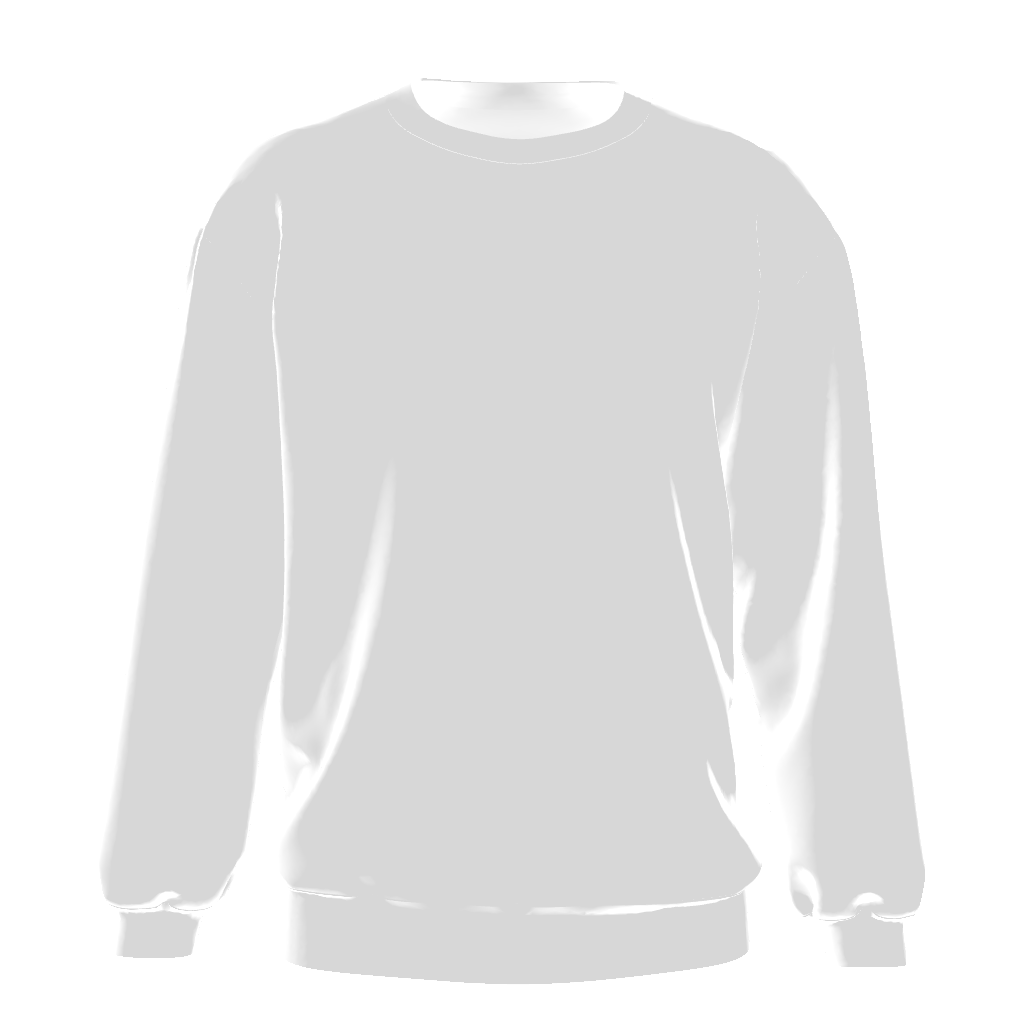
What works on a crewneck
Crewnecks are usually sold on simple front graphics: a centred wordmark, an arched college-style name, or a small chest logo. Because there is no hood or zip, the whole chest is free, which makes it the easiest garment to test large type on.
If you want an embroidered look, AI Design Studio can restyle a logo as an embroidered patch graphic. It is an image with a stitched texture, printed flat on the 3D model, not a simulation of real thread, but it is a quick way to see if the idea works.
How to make a sweater mockup
- Open the Sweaters category and select the sweater.
- Choose a fabric colour; beige, grey and navy swatches suit most crewneck ranges.
- Import your logo or generate one, then place and scale it on the chest.
- Switch the background to Studio for clean product shots, or Outdoor for a lifestyle look.
- Export a still photo or record a camera move.
Questions
Does ThreadCam show knit texture?
The sweater is a smooth 3D sweatshirt model. It does not simulate knit stitches or fabric types; you choose a colour, not a material.
Related
Features described here are from the iOS app. ThreadCam is also on Google Play; the Android version may not have every feature yet.