3D T-Shirt Mockups on Your Phone
ThreadCam turns your artwork into a 3D t-shirt mockup in a few taps: pick a fit, drop your design on the chest, then save a photo or a camera-animated video. It is built for small clothing brands, merch makers and print-on-demand sellers who need product shots before any shirts exist.
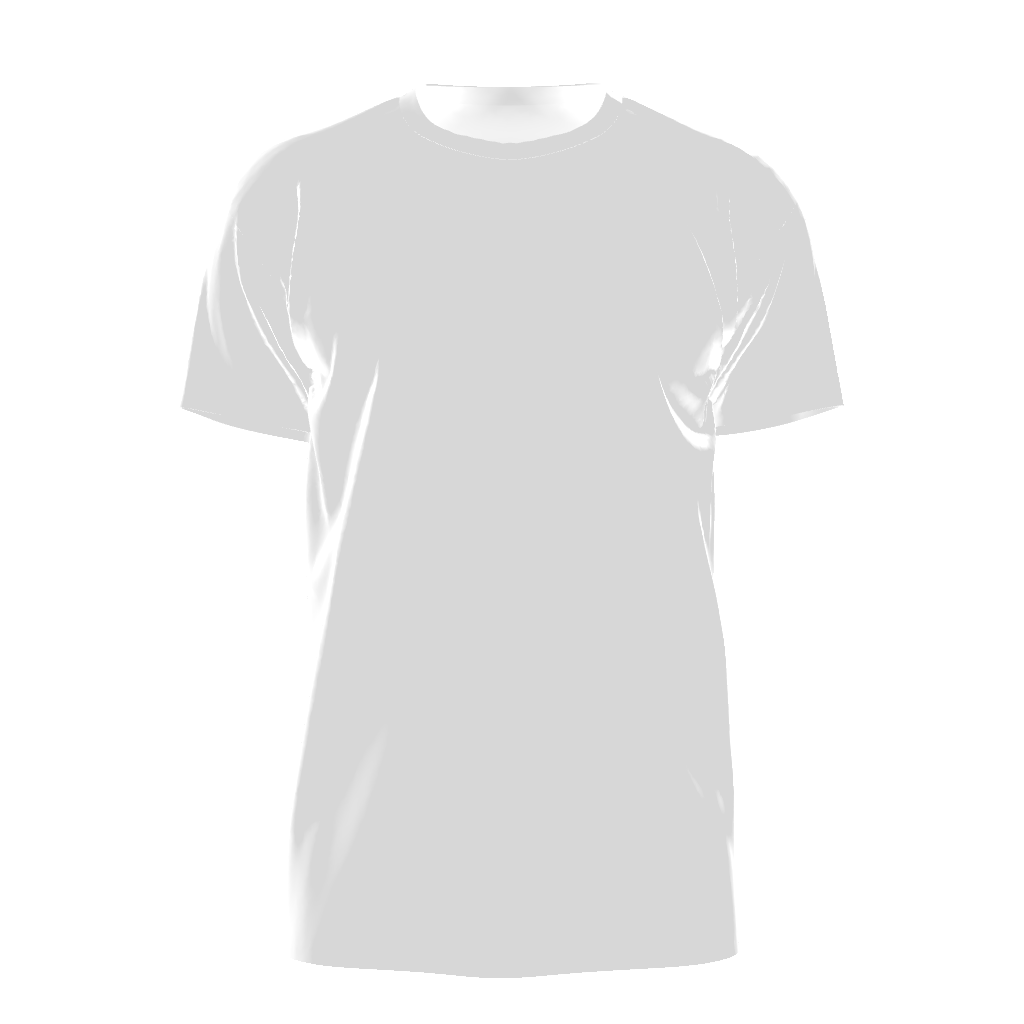
Which t-shirt fits are in the app?
The t-shirt range covers the blanks most brands actually sell. Pick the one closest to the shirt you will print on, so the mockup shows the real drape and proportions.
- Regular T-Shirt: free, the everyday crew neck.
- Walking T-Shirt: free, an animated shirt that moves as if someone is wearing it.
- Classic T-Shirt: a second standard tee shape to compare against (Pro).
- Boxy T-Shirt: wide and short, the modern streetwear blank (Pro).
- Oversized T-Shirt: dropped shoulders and a longer body (Pro).
- Cropped T-Shirt: a shorter body length (Pro).
- Long Sleeve: for layering pieces and cold-weather drops (Pro).
- V-Neck T-Shirt: for when a crew neck is wrong for the brand (Pro).
How to make a t-shirt mockup
- Choose a t-shirt fit and a fabric colour from the swatches.
- Add your artwork from Photos, share it into ThreadCam from another app, or create one in AI Design Studio.
- Drag it on the flat placement canvas, then scale and rotate it while the 3D shirt updates live.
- Pick a background: a solid colour or a lit HDR scene such as Studio or Sunset.
- Save a still photo, or record a video with one of the camera moves.
Placement tips that matter for tees
A full front print looks very different on a boxy tee than on a regular one, because the chest is wider and the body is shorter. Try the same artwork on both fits before you order samples. For a small left-chest logo, scale the design down and move it off-centre, then orbit the camera to check it does not disappear into the shoulder seam.
You can stack several graphics on one shirt, for example a chest logo plus a larger graphic lower down, and adjust each one separately.
From mockup to print file
With Pro on iOS, Export Print File renders your placed artwork as a transparent PNG on a 12 × 16 inch canvas at 300 DPI, the standard adult DTG front print area. It is built from your original images, not from the 3D preview, so it stays sharp. Check your printer's own template before you send it.
Questions
Is the t-shirt mockup free?
Yes for two fits. The Regular T-Shirt and the Walking T-Shirt are free; free exports carry a ThreadCam watermark. The other fits, watermark-free exports and project saving come with ThreadCam Pro.
Can I show the back of the shirt?
You can rotate the 3D shirt to any angle. In the current App Store version, artwork is placed on the front of the garment.
Related
Features described here are from the iOS app. ThreadCam is also on Google Play; the Android version may not have every feature yet.