3D Sweatpants and Jogger Mockups
ThreadCam includes a 3D pair of cuffed sweatpants, so you can check a leg logo or a matching-set graphic before you commit to a print run. It is for brands building tracksuits and loungewear sets. Sweatpants are part of ThreadCam Pro.
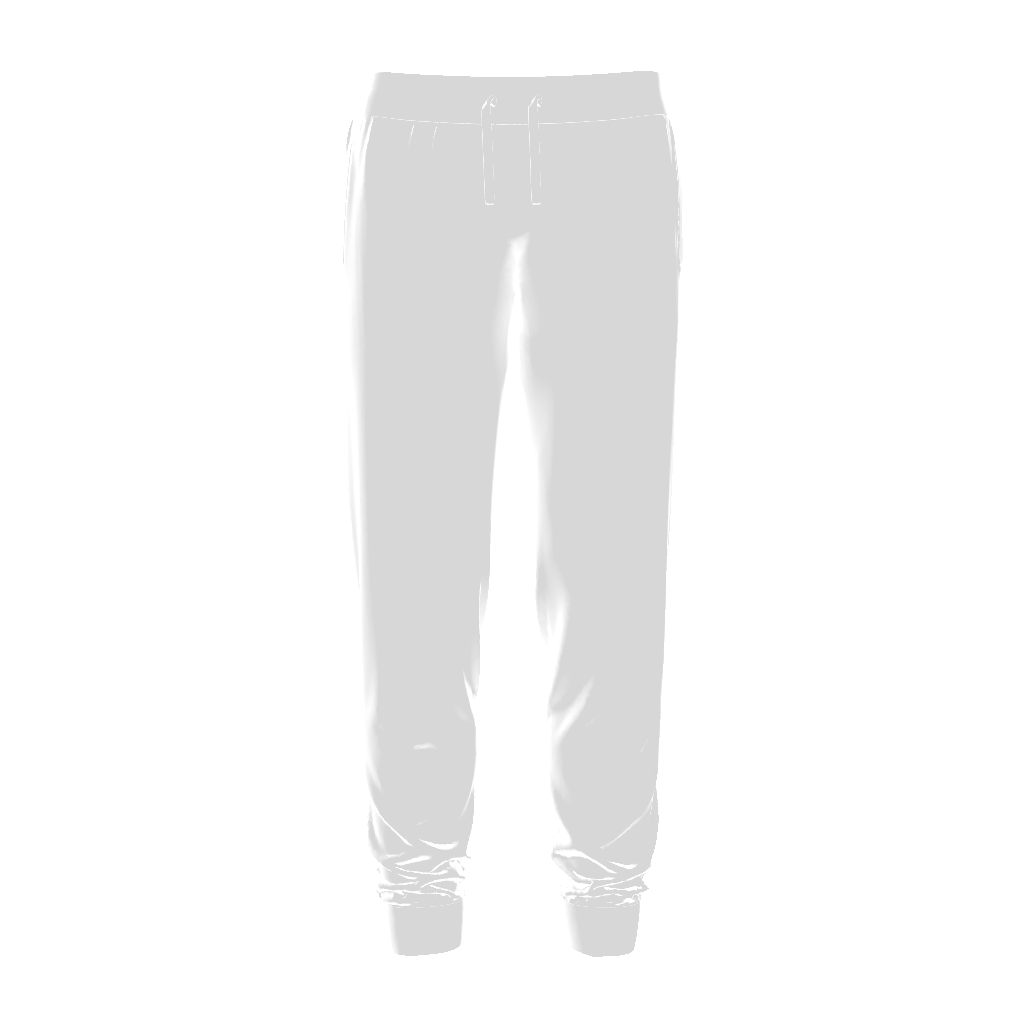
Designing for sweatpants
Pants graphics are usually small: a logo on the upper thigh, a short vertical word down one leg, or a mark near the hip. Keep the scale down and use rotation for vertical text, then orbit the camera, because a design that looks right from the front can wrap out of sight on a leg.
To preview a set, make the hoodie or sweater mockup first with the same artwork and colour, then switch to sweatpants and keep your lighting and background identical so the photos match.
How to make a sweatpants mockup
- Open the Bottoms category and select Sweatpants.
- Pick a fabric colour that matches the top in your set.
- Add your artwork, then drag, scale and rotate it into place.
- Use the Low-Angle Hero or Pendulum camera move to show the length of the leg in a video.
- Export a photo or video.
Questions
Can I show a model wearing the sweatpants?
No. ThreadCam shows the garment on its own in 3D, without a person. The Walking T-Shirt is the only animated garment.
Related
Compare this with the other garments on 3D clothing mockups by garment, browse all ThreadCam mockup features, or get help with the app on the ThreadCam support page.
Features described here are from the iOS app. ThreadCam is also on Google Play; the Android version may not have every feature yet.